Key takeaways
- WooCommerce simplifies ecommerce setup: With WordPress integration, it offers flexibility, scalability, and thousands of extensions for customization.
- Success starts with preparation: Choosing reliable hosting, optimizing SEO, and testing before launch are crucial for performance and user experience.
- Growth requires ongoing optimization: Use analytics, customer feedback, and marketing strategies to refine your store and drive long-term success.
In short: To set up a WooCommerce store, choose a host that supports WordPress, install WordPress, pick a WooCommerce-ready theme and install the WooCommerce plugin. Then set up payments, products, tax and shipping. Finally, customize your store, optimize it for SEO, add analytics, test everything, and launch and promote your store.
Starting an online store is an exciting step for any entrepreneur. With the right tools and guidance, you can quickly turn your dream into reality. WooCommerce is a flexible ecommerce platform built on WordPress. It is one of the most popular choices for setting up an ecommerce store. It is easy to use, very flexible and has thousands of extensions. Here's how to set up your WooCommerce store in 13 steps:
1. Which hosting provider should you choose?
Choose a hosting provider that supports WordPress and WooCommerce. Look for providers that offer one-click WordPress installs, WooCommerce integration and room for your future growth. Some popular options include SiteGround, Bluehost and WP Engine.
2. How do you install WordPress?
Once you've chosen your hosting provider, install WordPress using your host's one-click install, which most providers offer. After that, you’ll have access to the WordPress dashboard. This is the control center for your website. For a closer look, see The 10 Best WordPress Ecommerce Plugins 2025.
3. How do you select a WooCommerce-optimized theme?
Pick a WooCommerce-optimized theme that fits your brand and has a responsive design for mobile users. The right theme matters because it sets the look and feel of your store. There are thousands of WooCommerce-optimized themes to choose from.
4. How do you install WooCommerce?
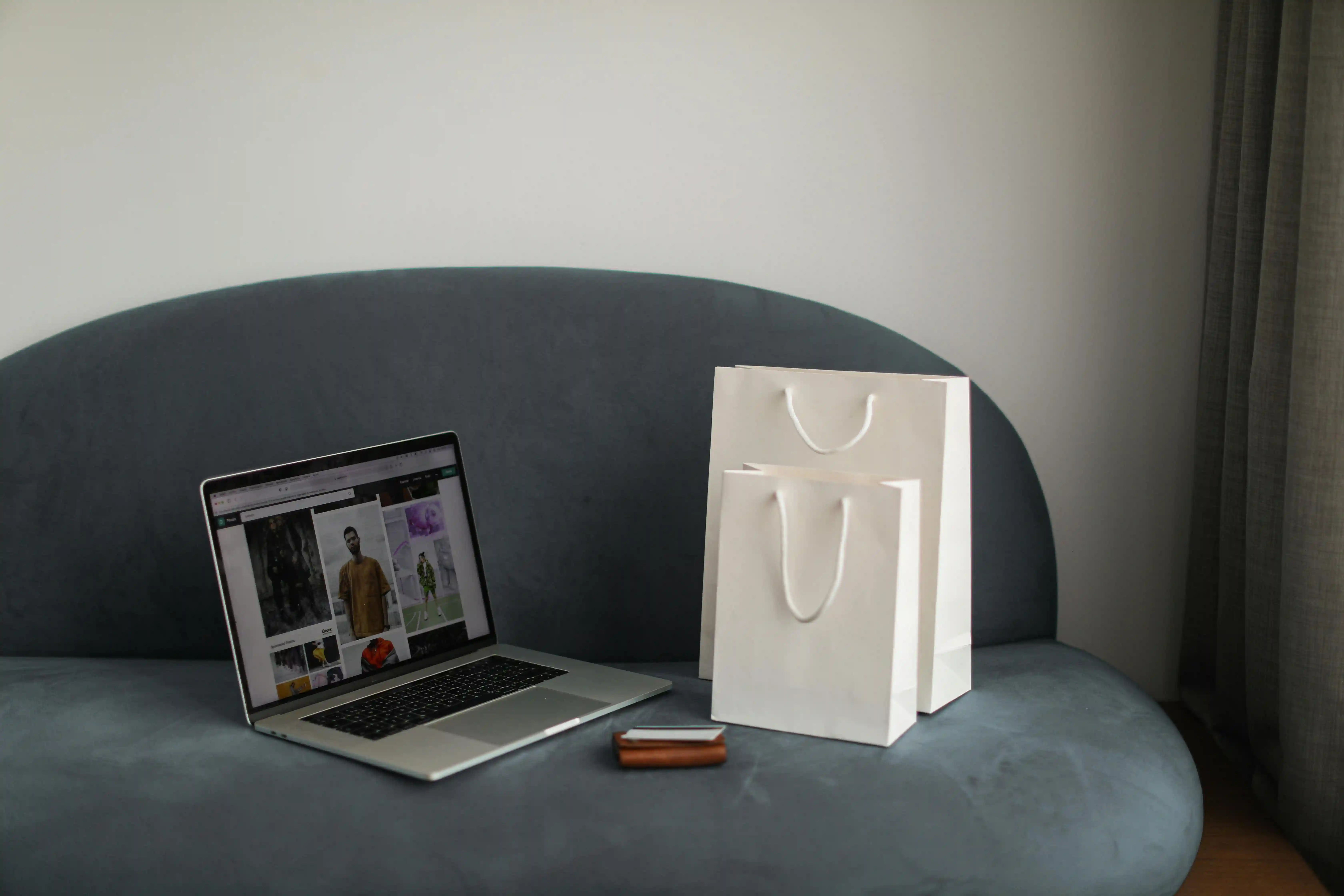
Install WooCommerce from your WordPress dashboard once your theme is in place. Go to Plugins > Add New and search for WooCommerce. Follow the on-screen steps to set up your store. These include details like your store location, currency and payment methods.
5. How do you set up your store?
You set up your store in the WooCommerce setup wizard. There you’ll choose key settings like currency, payment methods and shipping options. WooCommerce supports many payment gateways, including PayPal, Stripe and direct bank transfers. Choose the ones that suit your customers best.
6. How do you add your products?
To add products, go to Products > Add New and fill in the details for each one. Include the name, description, price and images. Don’t forget to sort your products into categories to help customers find their way around your store. Read more in our guide: A Beginner's Guide to Starting a Shopify Store.
7. How do you configure tax settings?
WooCommerce lets you configure tax settings based on where your business is located. Tax can be complex, depending on your location. You can set up tax classes and decide whether prices include tax or not.
8. How do you set up shipping methods?
WooCommerce lets you set up different shipping zones and methods, including flat rate, free shipping and real-time cost calculations. Shipping is a vital part of any ecommerce store. Make sure your shipping options and costs are clear to your customers.
9. How do you customize your store?
Use the Customize option under Appearance to adjust your theme settings. This is where you can change colors, fonts and layout to match your brand’s style. Pay attention to your homepage, product pages and checkout process.
10. How do you optimize your store for SEO?
Use an SEO plugin like Yoast SEO to help optimize your product descriptions, images and meta tags. Optimizing your store for search engines is key to attracting traffic. Also make sure your site loads fast, as speed affects both user experience and SEO.
11. How do you set up analytics?

Install Google Analytics for WooCommerce to track your sales, traffic and customer behavior. Tracking your store’s performance is essential. This data is very useful for making informed decisions about your store.
12. How do you test your store?
Test your store thoroughly before going live. Check the checkout process, payment methods and how your site works on different devices. Make any changes needed based on what you find.
13. How do you launch and promote your store?
Once everything is in place, launch your store and announce it through email marketing, social media and other digital marketing. Consider special promotions or discounts to attract your first customers.
Is setting up a WooCommerce store hard?
Setting up a WooCommerce store may seem daunting at first, but these steps make it manageable. By following them, you can create a professional online store ready to welcome customers from all over the world. Remember, the journey doesn’t end with the launch. Ongoing improvement based on customer feedback and analytics is key to growing your online business.
Have you set up or plan to set up an online store and need help with your VAT or sales tax compliance? Book a free call with one of our experts to find bespoke solutions for your business, optimize your tax costs, and reach millions of new potential customers.

Frequently asked questions
What is WooCommerce?
WooCommerce is a free WordPress plugin that turns your website into a fully functional online store, allowing you to sell products, manage inventory, and process payments.
Do I need technical skills to set up a WooCommerce store?
No — WooCommerce is beginner-friendly. Most hosting providers offer one-click WordPress and WooCommerce installations, and setup can be done through simple on-screen instructions.
What do I need before launching my store?
You’ll need a hosting provider, a WooCommerce-compatible theme, product details (including images and pricing), and configured payment, tax, and shipping options.
How can I attract customers after launching?
Promote your store through SEO, email marketing, and social media campaigns. Offering discounts or special launch promotions can also help boost initial sales.